
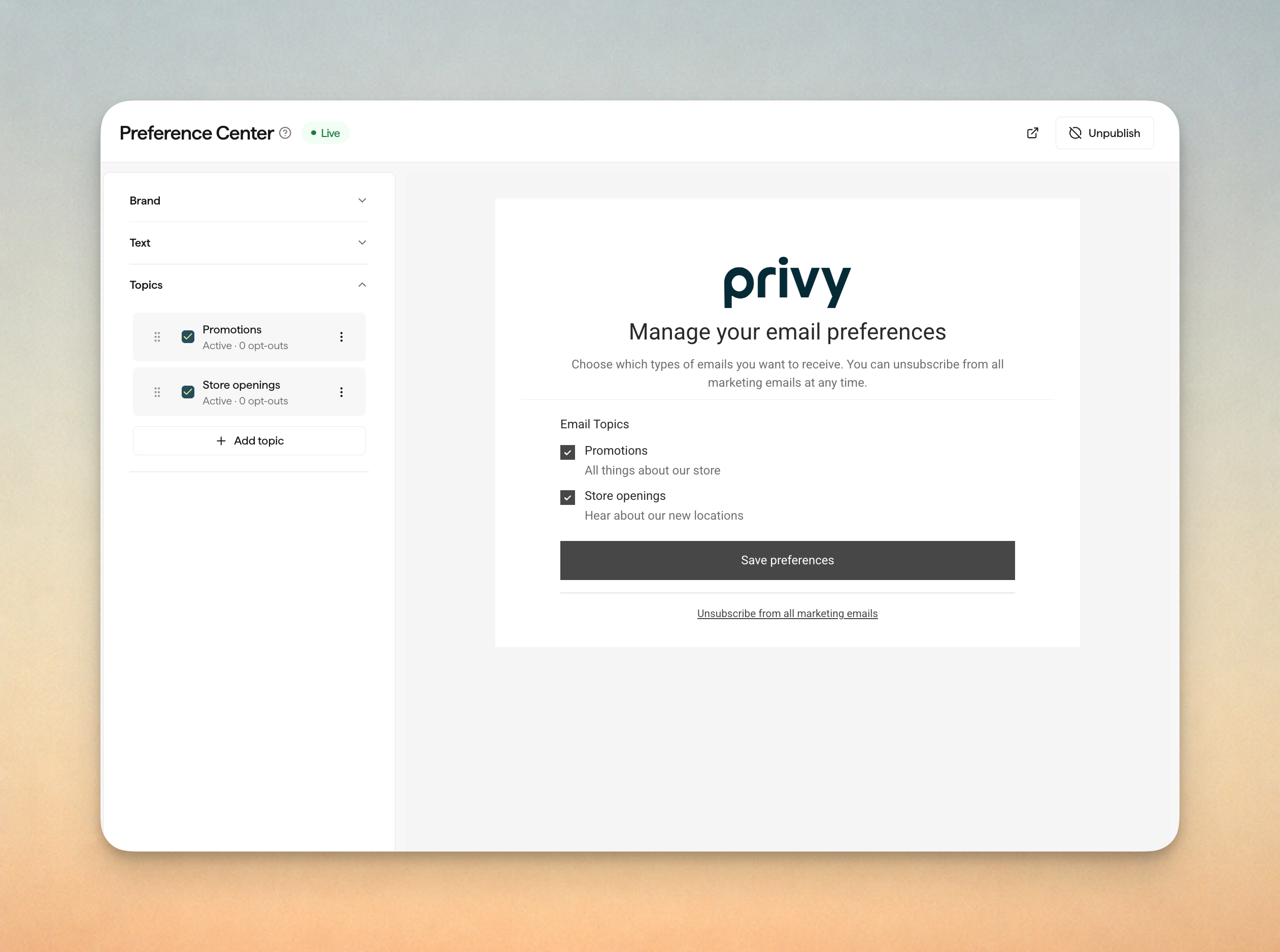
Give subscribers a better option than a hard unsubscribe. With Preference Center, you create email topics like promotions or new arrivals, publish a hosted page that matches your brand, and let subscribers keep the topics they still want.
- Once you publish your page, your emails can include a Manage Preferences link.
- Choose a topic on the Recipients step of an email campaign, and Privy skips anyone who opted out of that topic.
- See which topics a contact turned off on their contact page.
Find it under Brand and Assets → Preference Center. Nothing changes for your subscribers until you publish a page.
Order Cancelled and Refund Created Flows
Shopify merchants can now start a Flow when an order is cancelled or a refund is issued, so customers hear from you right away about what changed.
- Add cancellation details like the date and reason, or refund details like the amount and refund method, with merge tags.
- Show the refunded products with the Refund Items block, including partial refunds.
Refreshed Display Editor
The display editor has a new look. The steps for building your display now sit in their own panel on the left, so it's easier to move between them. Privy's on-site script is also much smaller, so your displays load faster for shoppers.
Saved Test Recipients
Send test emails and SMS to up to five saved recipients at once. Name recipients, remove them when you no longer need them, and reuse the list for future tests.
- Send test emails to any valid address, subject to Privy's existing abuse and compliance checks.
- Name saved email addresses and phone numbers, then remove them from the list when needed.
- Use saved recipients for email campaigns, SMS campaigns, and SMS steps in Flows.
Order Merge Tags in More Flows
Order merge tags now also work in Order Cancelled Flows.