
Email, SMS and Popups for WooCommerce: 10 Reasons Brands Choose Privy
Two years of order history synced, setup without a developer, and a team that handles the move. See the 10 reasons WooCommerce brands choose Privy.

Written by Erin Garrett
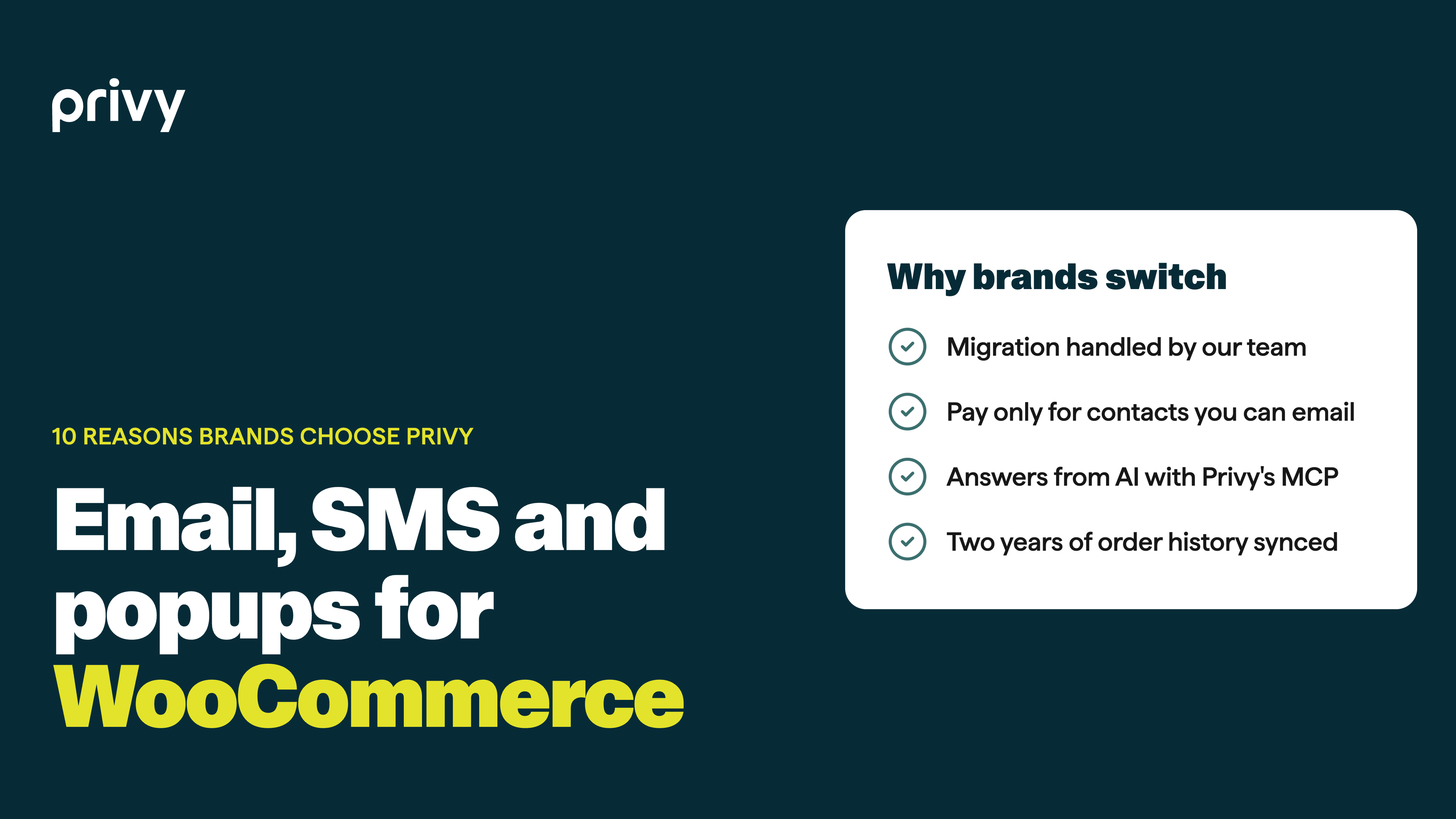
If your brand runs on WooCommerce, you’ve probably noticed that many email and SMS platforms treat it as an afterthought. Some connect only loosely, some never pull in your orders, and some won’t accept certain product categories at all. That leaves a lot of WooCommerce brands with a tool that collects email addresses and not much else.
Privy works with WooCommerce out of the box. It installs with a WordPress plugin, syncs your orders, and starts at $30 a month. Here’s what brands tell us made the difference.
10 reasons WooCommerce brands choose Privy
1. Someone handles the switch, then sticks around to help you grow
Moving platforms is the part most teams dread, so we take it on. Privy’s team sets up the store connection, brings over your contacts, rebuilds your flows, emails and popups, and checks that orders are syncing before anything goes live. You’re not on your own after launch either: our team stays with you for strategy and support, including on custom setups.
2. Your bill is based on people you can actually email
Pricing counts mailable contacts only, with no cap on sends and no annual contract. If 5,000 of your 20,000 contacts have unsubscribed or bounced, you pay for the 15,000 you can still email.
3. You can get answers from AI instead of digging through reports
With Privy’s MCP, Claude or ChatGPT can read your Privy account and answer questions in plain English. Try “Rank my flows by attributed revenue in the last 90 days” or “Which displays brought me the most new subscribers?” to see what’s working without exporting a single report.
4. Your order history comes with you
Connect your store and Privy pulls in the last two years of WooCommerce orders, then picks up every new order as it comes in. Sales are credited to the popup or flow that earned them, guest checkouts included, so “did that email actually sell anything?” finally has an answer.
5. You can market to buyers and browsers differently
Because Privy knows who has ordered, how often and what they bought, segments can split your list into first-time buyers, regulars and people who haven’t purchased yet. You can also pull everyone whose last order was months ago and give them a reason to come back.
6. Your automations run on real shopping behavior
Abandoned cart, abandoned checkout and browse abandonment flows trigger from what shoppers actually do on your site, and order-placed flows handle thank-yous and follow-ups. It’s the difference between a single welcome email and a system that recovers lost carts on its own.
7. You don’t need a developer to get started
Install the Privy plugin for WordPress and it adds Privy to every page, cart and checkout included, and stays put through theme changes. Connect your store from the plugin settings, run the built-in install check, and you’re set.
8. Custom builds are covered too
Running a headless storefront, or using WooCommerce only for checkout? Privy connects through your WordPress site, and a developer can pass cart and checkout events from your storefront so recovery flows still fire.
9. Discount codes are created in WooCommerce for you
Privy generates coupons directly in your store, either one shared code or a unique, one-time code for every new subscriber. Limit a code to certain products or categories, or set unique codes to expire after a set window so a welcome discount doesn’t end up on coupon sites. Not sure which to use? Here’s a guide to master vs. unique codes.
10. Texting is part of the same toolkit
SMS lives in the same account as your email, with 250 credits included every month. Add a text to a flow you already run, like a reminder a few hours after an abandoned cart email, and track both channels side by side.
Talk to our team
Ready to see what Privy can do for your WooCommerce store? Schedule a call with our sales team and we’ll look at your store, estimate your monthly cost and map out the migration.
Frequently asked questions
Is there a Privy plugin for WooCommerce?
Yes. Privy for WooCommerce installs through the Privy plugin for WordPress, or with a code snippet if you prefer.
How much order history does Privy import from WooCommerce?
The last two years. After that, new orders sync as they’re placed, including guest checkouts.
Does Privy support headless WooCommerce stores?
Yes. Privy connects through your WordPress site, and your developer sends cart and checkout events from the storefront.
Can I send texts to my WooCommerce customers?
Yes, to subscribers who have opted in, through campaigns or automated flows.
What does Privy cost for a WooCommerce store?
Plans start at $30 a month for up to 1,500 mailable contacts, with unlimited email sends and 250 SMS credits. See the pricing page for current rates.
Writen by Erin Garrett
Erin Garrett is Privy's Director of Marketing. She has spent 15+ years in ecommerce on the brand, agency, and software sides, and now helps small brands grow through smarter email, SMS, and onsite marketing.
You may also like to read
Keep going: how to cut tool costs, get more from SMS and turn more visitors into buyers.
The Real Cost of Using Multiple Marketing Tools (And Why All-in-One Wins)
A bigger tech stack can lead to more than headaches. See how they cost your store more in the long-term.
The Best Ecommerce SMS Marketing Examples We’ve Seen in 2025
Take inspiration from these SMS marketing examples.
How to Reduce Your CAC by Optimizing Onsite Conversions
How small website tweaks lead to major savings on acquisition costs.